
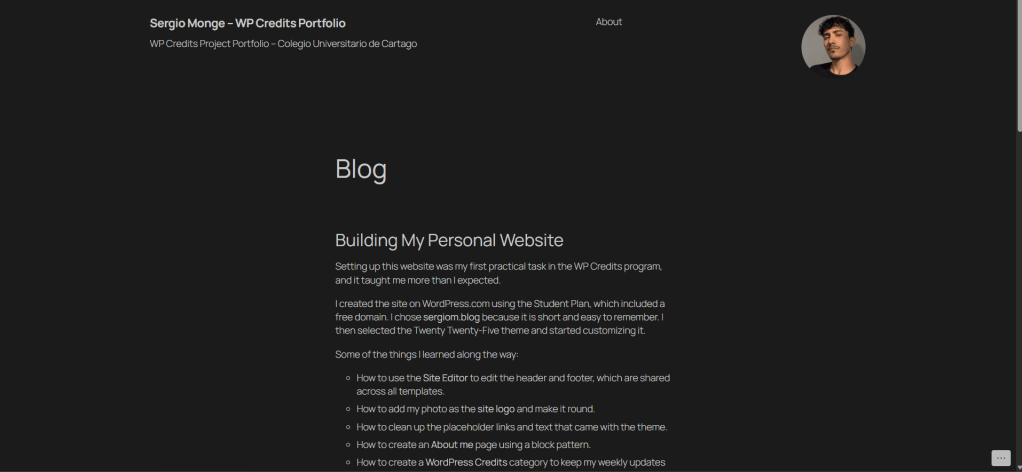
Setting up this website was my first practical task in the WP Credits program, and it taught me more than I expected.
I created the site on WordPress.com using the Student Plan, which included a free domain. I chose sergiom.blog because it is short and easy to remember. I then selected the Twenty Twenty-Five theme and started customizing it.
Some of the things I learned along the way:
- How to use the Site Editor to edit the header and footer, which are shared across all templates.
- How to add my photo as the site logo and make it round.
- How to clean up the placeholder links and text that came with the theme.
- How to create an About me page using a block pattern.
- How to create a WordPress Credits category to keep my weekly updates organized.
At first, some settings were hard to find, and I accidentally changed the footer while working on the header. Using the List View and the undo button helped me fix it and understand how blocks are structured.
This experience gave me more confidence using WordPress, and I’m ready to move on to the next steps of the program.


Leave a Reply